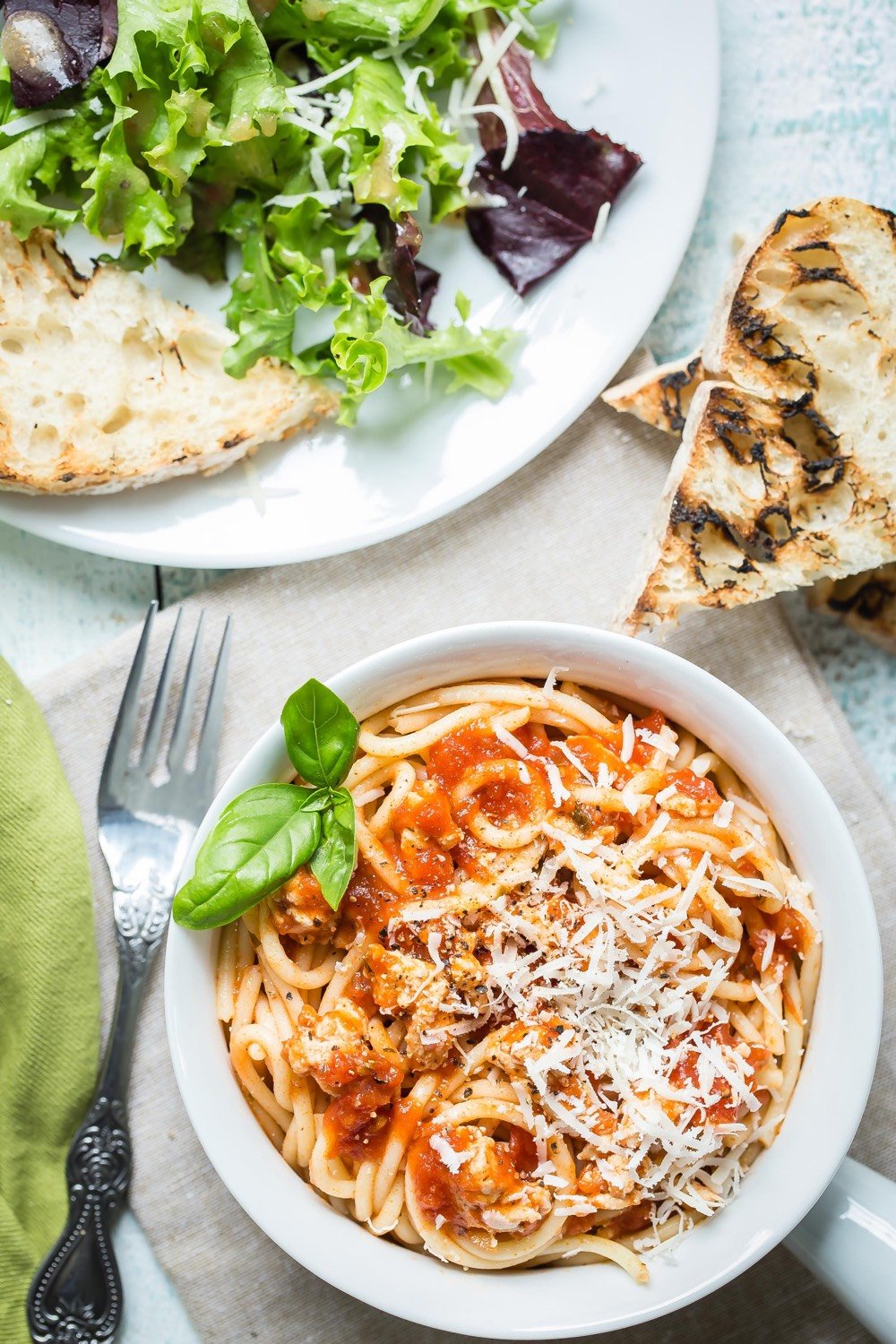
Creamy Spring Pea Risotto made in your electric pressure cooker in under 30 minutes. No stirring required and no hassle. Perfect for a weeknight dinner the whole family will love!
0 Set your electric pressure cooker to the sauté function on medium heat. Add the olive oil and butter. Once the butter melts, add the diced onion and salt and sauté for about 3 minutes, stirring occasionally, until translucent.
1 Add the arborio rice and stir to coat each grain in the butter and oil. Pour in the wine and stir until the rice absorbs the liquid, about 2 minutes.
2 Pour in the chicken broth and stir to combine. Lock the lid and set to high pressure for 10 minutes. When the cycle is complete, do a quick pressure release according to your cooker's instructions. When all steam has released, unlock and remove the lid.
3 Stir in the peas and half a cup of parmesan. Season with pepper and taste for salt. Divide between bowls, top with chives and extra parmesan and serve immediately.